
Grand Theft Auto VI is finally here. After years of waiting, millions of players are now exploring Vice City, outrunning the police, and occasionally standing a little too close to an explosion.
And when that happens, the game does something interesting: your character’s ears start to ring.
It’s realistic enough that Rockstar included an audio setting called Tinnitus Reduction. As audiologists who spend a lot of our week helping people manage tinnitus, we couldn’t let that one go by without comment.
Below, we’ll explain what the GTA 6 tinnitus setting does, which other popular games have something similar, and why these settings matter for the many gamers living with real tinnitus. We’ll also share a few tips for protecting your hearing, so the only ringing you hear is the kind you can turn off.
What Is the In-Game “Tinnitus” Effect?
In many action games, getting caught near an explosion, a flashbang, or a stun grenade triggers a high-pitched ringing sound. Everything else goes muffled for a few seconds, then slowly fades back in.
Game designers use this effect for a reason. It mimics something that really happens to the human ear. After a sudden, very loud sound, many people experience temporary ringing and muffled hearing. In a game, it signals “you just took a hit” and briefly makes it harder to react.
It’s a clever bit of sound design. But for players who already live with tinnitus, a sudden burst of high-pitched ringing coming through their headphones is not a fun gameplay mechanic. That’s where these settings come in.
Which Games Have a Tinnitus Reduction Setting?
GTA VI isn’t the first game to offer this option, but it may be the biggest. Here are some popular games that let you reduce or turn off the ringing effect.
Grand Theft Auto VI
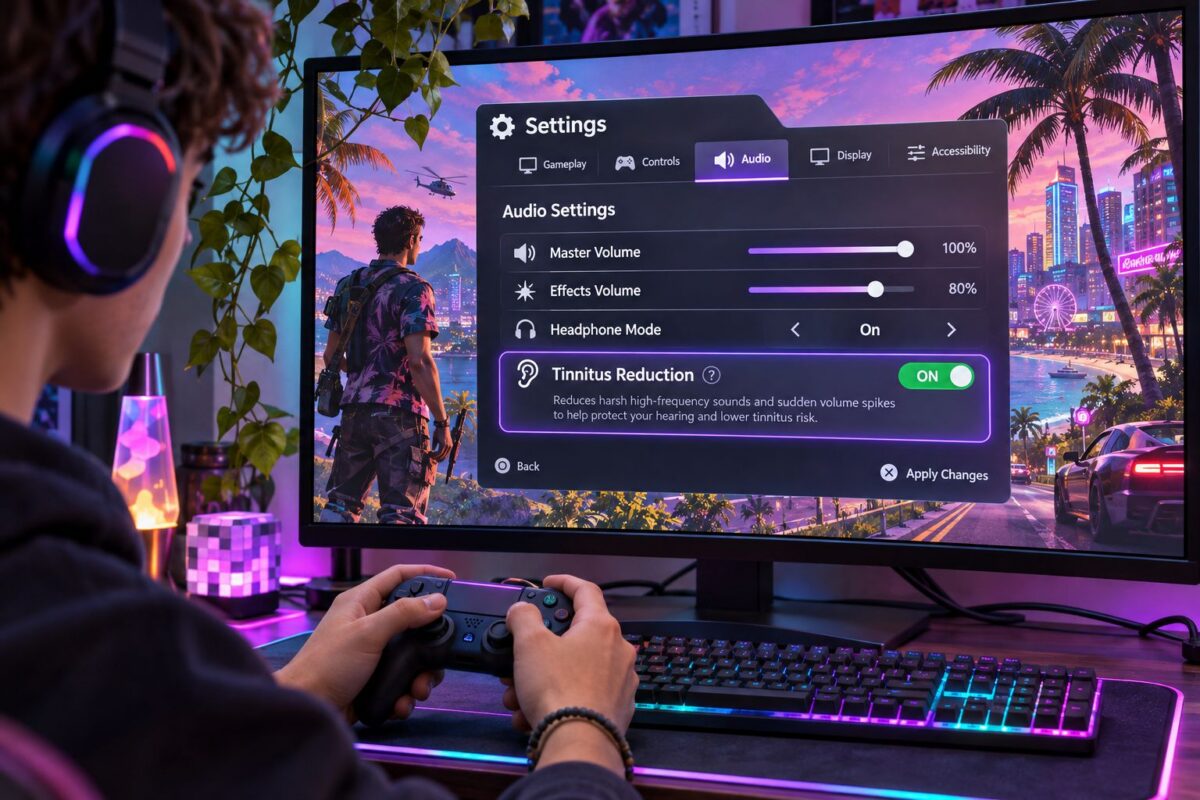
The GTA 6 tinnitus setting is called Tinnitus Reduction, and it lives in the Audio tab of the Settings menu. It’s turned off by default, so you’ll need to switch it on yourself. It tones down the ringing after explosions.
Call of Duty
Starting with Modern Warfare II, Call of Duty added a setting called Reduce Tinnitus Sound, and it has carried into later games, including Warzone and Black Ops 6 and 7. You’ll find it near the bottom of the Audio settings. It’s also off by default. When it’s on, the ringing after flashbangs, stun grenades, and explosions is replaced with a duller, muffled sound.
Fun fact: many competitive players recommend turning it on anyway, because the ringing drowns out footsteps. Accessibility and a competitive edge, all in one toggle.
Battlefield 6
Battlefield 6 goes a step further. It has its own Tinnitus SFX Volume slider, so you can turn the ringing down or off completely. It also lets you change the pitch of the ringing sound.
Rainbow Six Siege
Rainbow Six Siege lets players turn off tinnitus effect sounds from the in-game Audio menu.
F1 23
This one is a little different, and our favorite from a clinical standpoint. Racing games don’t have explosions, but they do have high-pitched engine sounds, which some players with tinnitus find bothersome. F1 23 includes a Tinnitus Relief Filter that filters out those sounds, along with a setting to choose the filter frequency.
If you play a game that isn’t on this list, check the Audio or Accessibility menu. More developers are adding these options every year.
Video Games and Tinnitus: Why These Settings Matter
In a game, the ringing ends after a few seconds. Real tinnitus doesn’t come with an off switch.
Tinnitus is the perception of sound when no outside sound is present. People describe it as ringing, buzzing, hissing, humming, or even roaring. It can be in one ear or both, and it can come and go or be there all the time. It’s often linked to hearing loss and noise exposure, though there are many other possible causes.
For someone living with tinnitus, a sudden burst of high-pitched ringing through a headset can be more than annoying. It can draw attention right back to their own tinnitus, make it feel louder for a while, or make a game they love stressful to play. That’s why these settings are a real accessibility win, and why we were happy to see one in a game as big as GTA VI.
One more thing worth saying: if your ears ring after a long gaming session, that isn’t the game. That’s your ears telling you something. Ringing after loud sound exposure can be a sign that the sound was loud enough to strain the delicate hair cells in the inner ear. Repeated exposure can lead to permanent hearing loss and tinnitus.
When to See an Audiologist
Schedule a hearing evaluation if you notice ringing or other sounds in your ears that don’t go away, keep coming back, or are starting to affect your sleep, focus, or mood.
Some symptoms need prompt attention. Contact a medical provider right away if you have tinnitus with sudden hearing loss, tinnitus in only one ear (here’s why that matters), or tinnitus that pulses in time with your heartbeat.
Gaming Headphones and Hearing Loss: How to Protect Your Ears
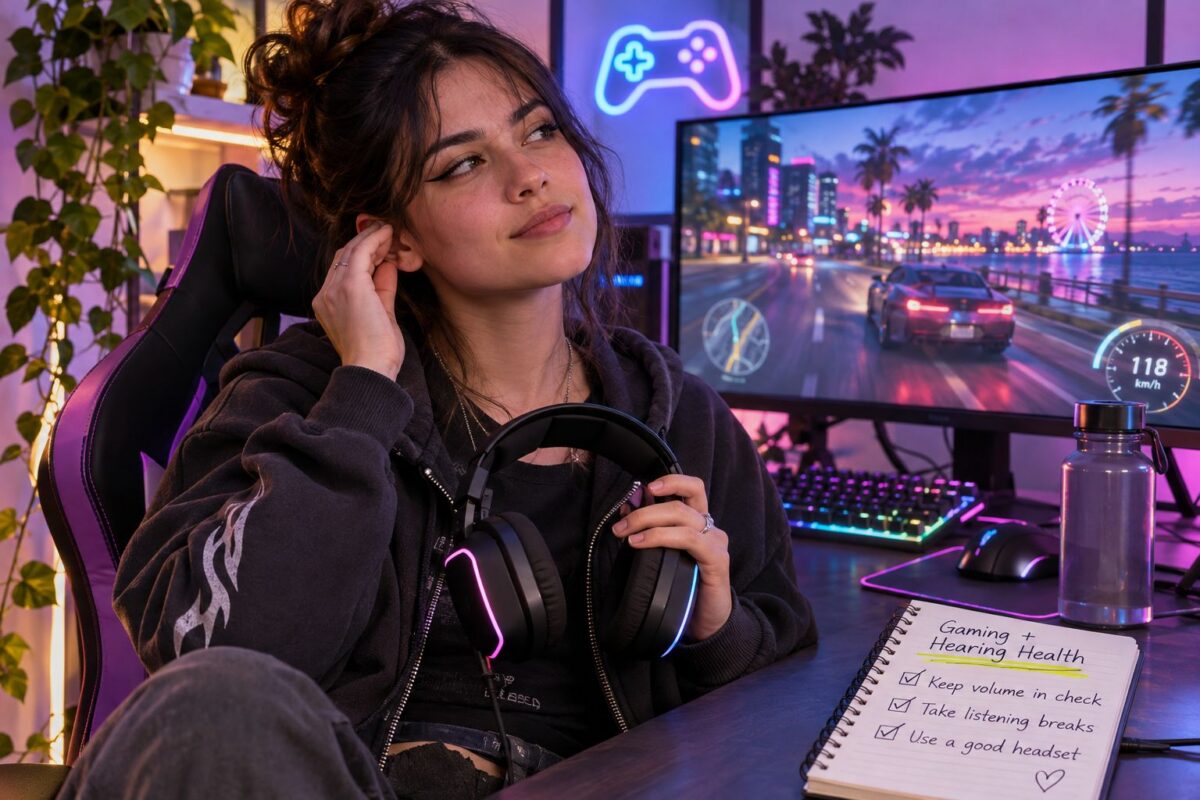
Vice City is big. You’ll be there a while. A few simple habits can help protect your hearing during those long sessions.
Turn It Down a Notch
If someone sitting next to you can hear your game through your headset, it’s probably too loud. A common rule of thumb is the 60/60 rule: keep the volume at no more than about 60% and take a break at least every 60 minutes.
Use Your Console’s Volume Limits
Many consoles, phones, and headsets have built-in volume limit or hearing health settings. Take a minute to turn them on.
Consider Noise-Canceling Headphones
When there’s a lot of noise around you, it’s tempting to crank the volume to drown it out. Headphones that block outside noise let you hear the game clearly at a lower volume.
Turn On the Tinnitus Setting
If a game offers one, use it. Whether you have tinnitus or not, there’s no prize for listening to extra high-pitched ringing.
Give Your Ears a Break
Your ears need recovery time, just like the rest of you. Pause the game, grab a snack, and let your ears rest. The police in Vice City will still be chasing you when you get back.

Frequently Asked Questions
Where is the Tinnitus Reduction setting in GTA 6?
Pause the game, open Settings, and go to the Audio tab. Tinnitus Reduction is listed there and is turned off by default.
Can video games cause tinnitus?
The ringing sound effect in a game can’t damage your ears by itself, but playing at high volume for long stretches can. Loud sound exposure over time is one of the most common causes of hearing loss and tinnitus, whether it comes from a headset, a concert, or power tools.
Will the game’s tinnitus sound make my tinnitus worse?
It won’t cause permanent changes, but for some people, sudden high-pitched sounds can make their tinnitus more noticeable or bothersome for a while. If that’s you, turning on the tinnitus setting is a simple fix.
Is there a cure for tinnitus?
There’s no single cure, but tinnitus can often be managed very effectively. Options may include integrated tinnitus systems, cognitive behavioral therapy for tinnitus, Lenire, and other tinnitus management programs. The right plan depends on a thorough evaluation.
Where can I get a tinnitus evaluation in Silver Spring or Chevy Chase?
Capital Institute of Hearing & Balance offers comprehensive tinnitus evaluations and management at both our Silver Spring and Chevy Chase offices. Call us at (240) 670-1200 to schedule or schedule an appointment online.
Get Real Relief for Real Tinnitus: Tinnitus Treatment in Silver Spring and Chevy Chase
It’s great to see game developers taking tinnitus seriously. But a toggle in the settings menu only goes so far. If you’re hearing ringing, buzzing, or humming long after the controller is down, you don’t have to just live with it.
At Capital Institute of Hearing & Balance, tinnitus care is one of our specialties. Our audiologists start with a comprehensive evaluation to understand your hearing and your tinnitus. Then we build a management plan that fits your life. That may include sound therapy, hearing aids, cognitive behavioral therapy approaches, or Lenire, depending on what’s right for you.
We see patients at two Montgomery County locations:
- Silver Spring: 11886 Healing Way, Suite 530, Silver Spring, MD 20904
- Chevy Chase: 8401 Connecticut Ave, Suite 100, Chevy Chase, MD 20815
Schedule an appointment online or call us at (240) 670-1200, Monday through Friday, 8:00 a.m. to 5:00 p.m.
Turn the ringing down in real life. Schedule your tinnitus evaluation today!